


Control HermesFrom your iPhone
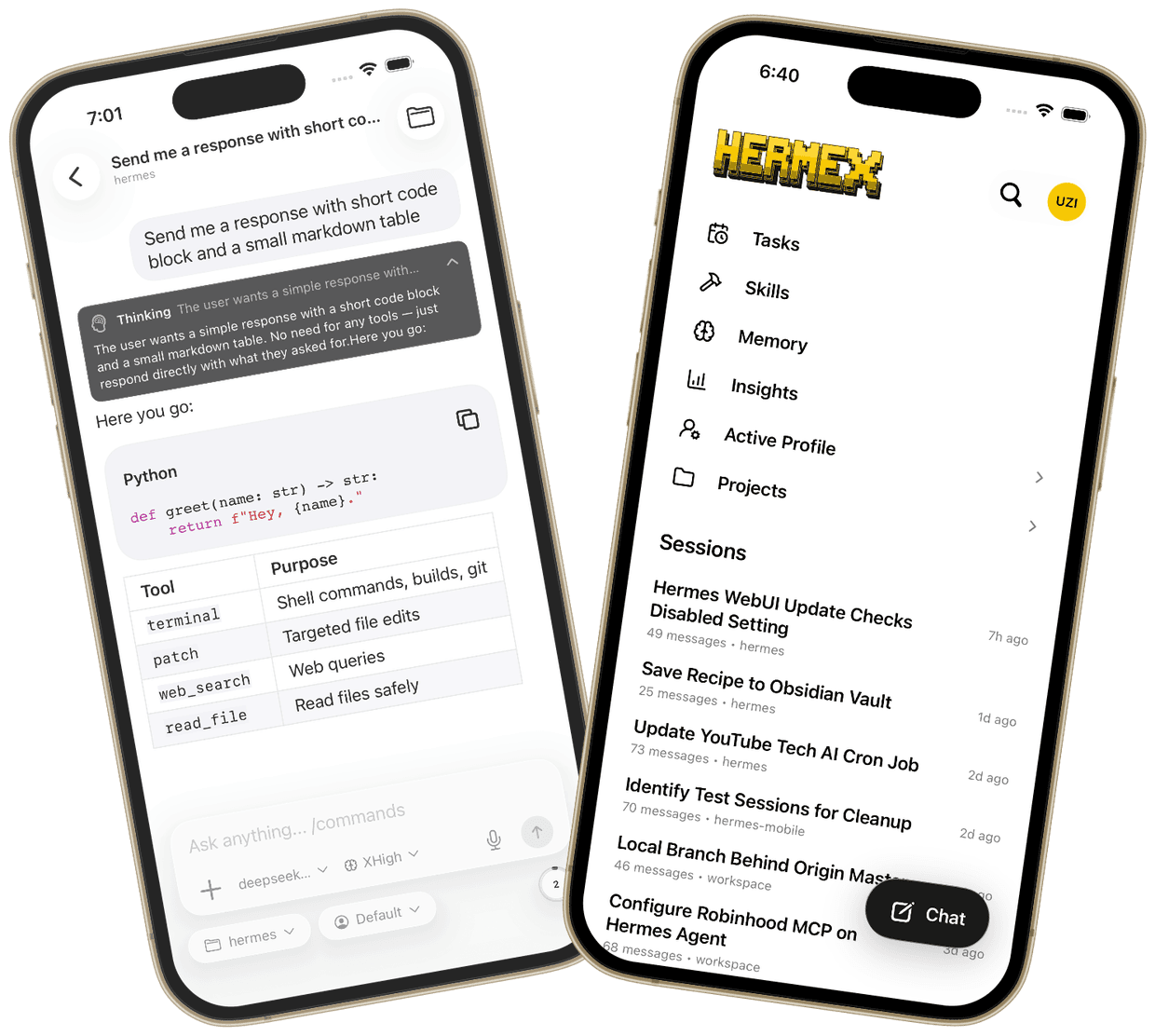
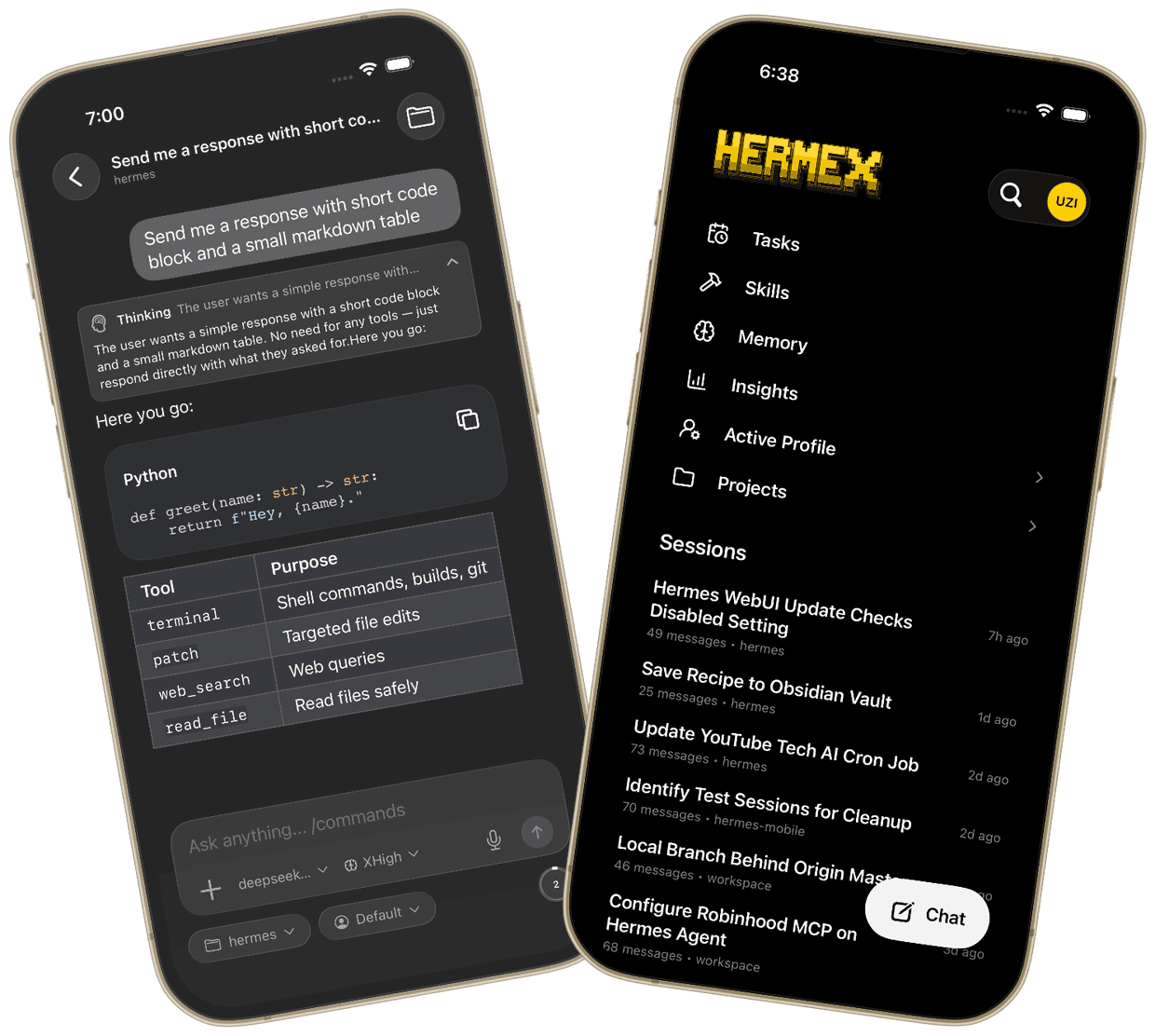
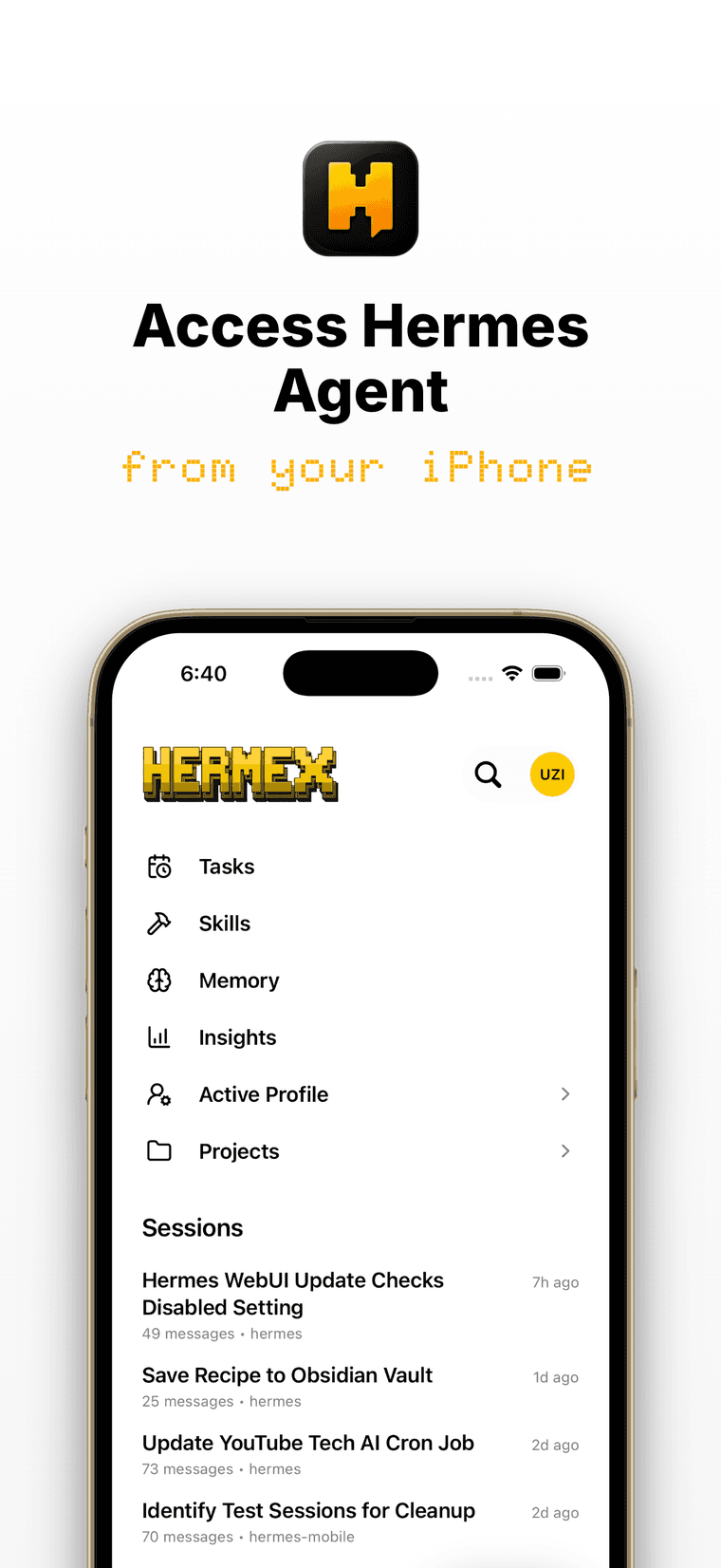
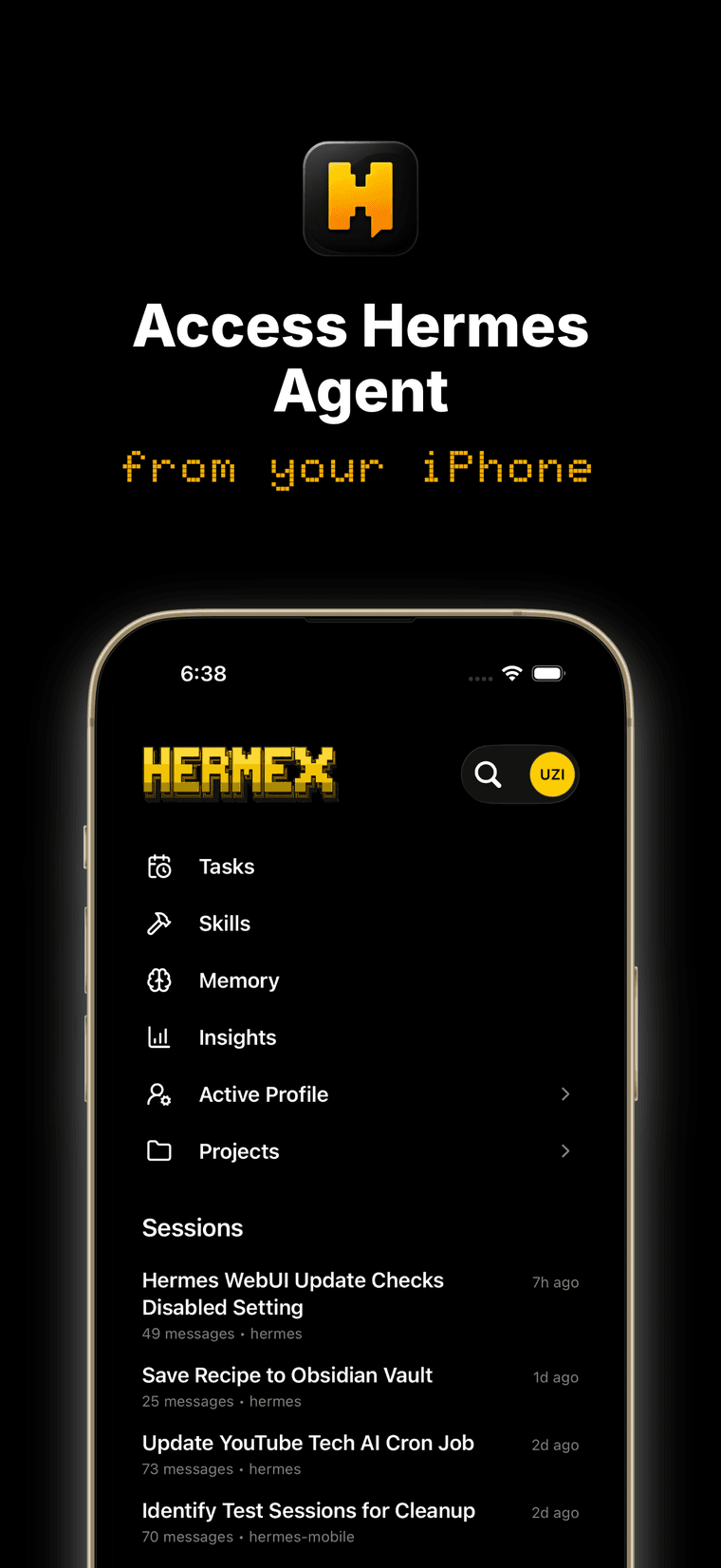
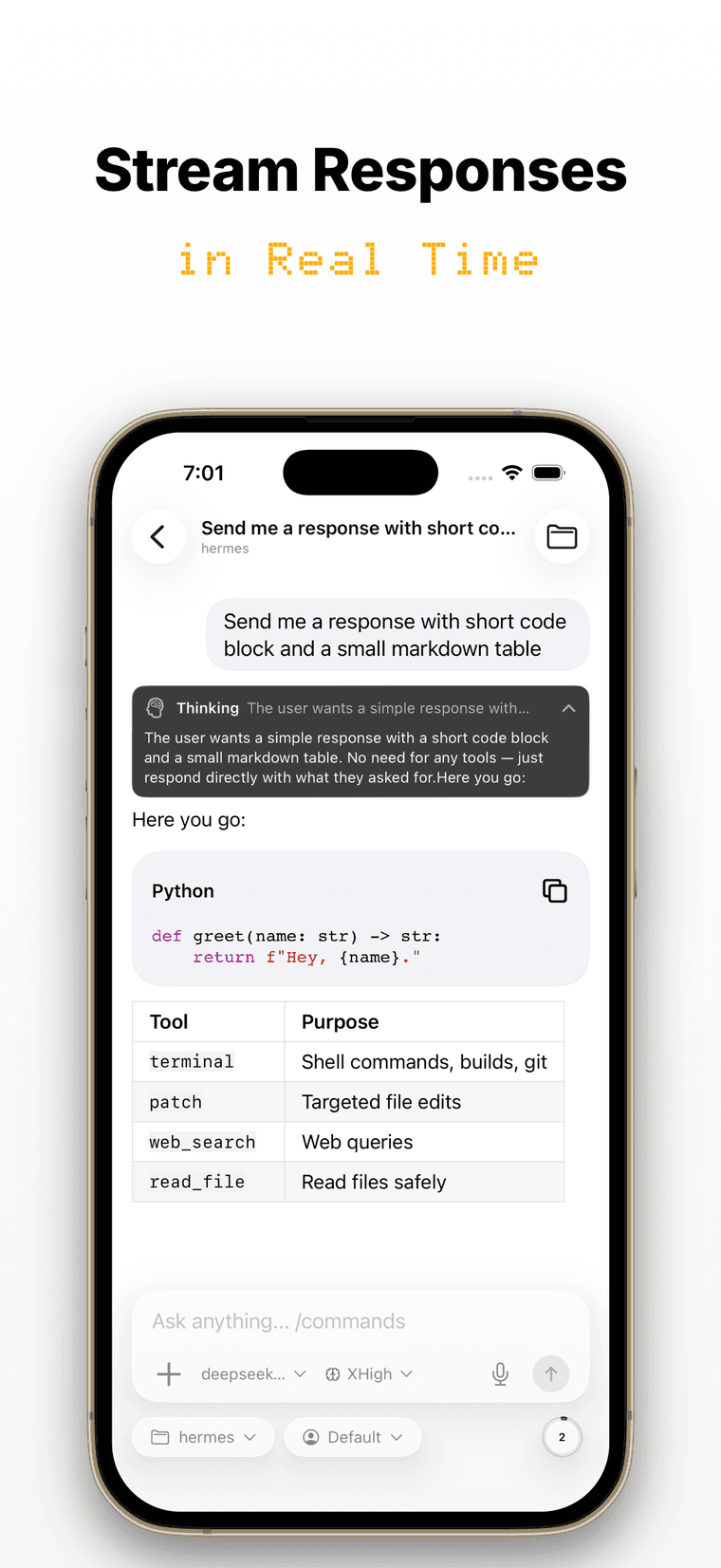
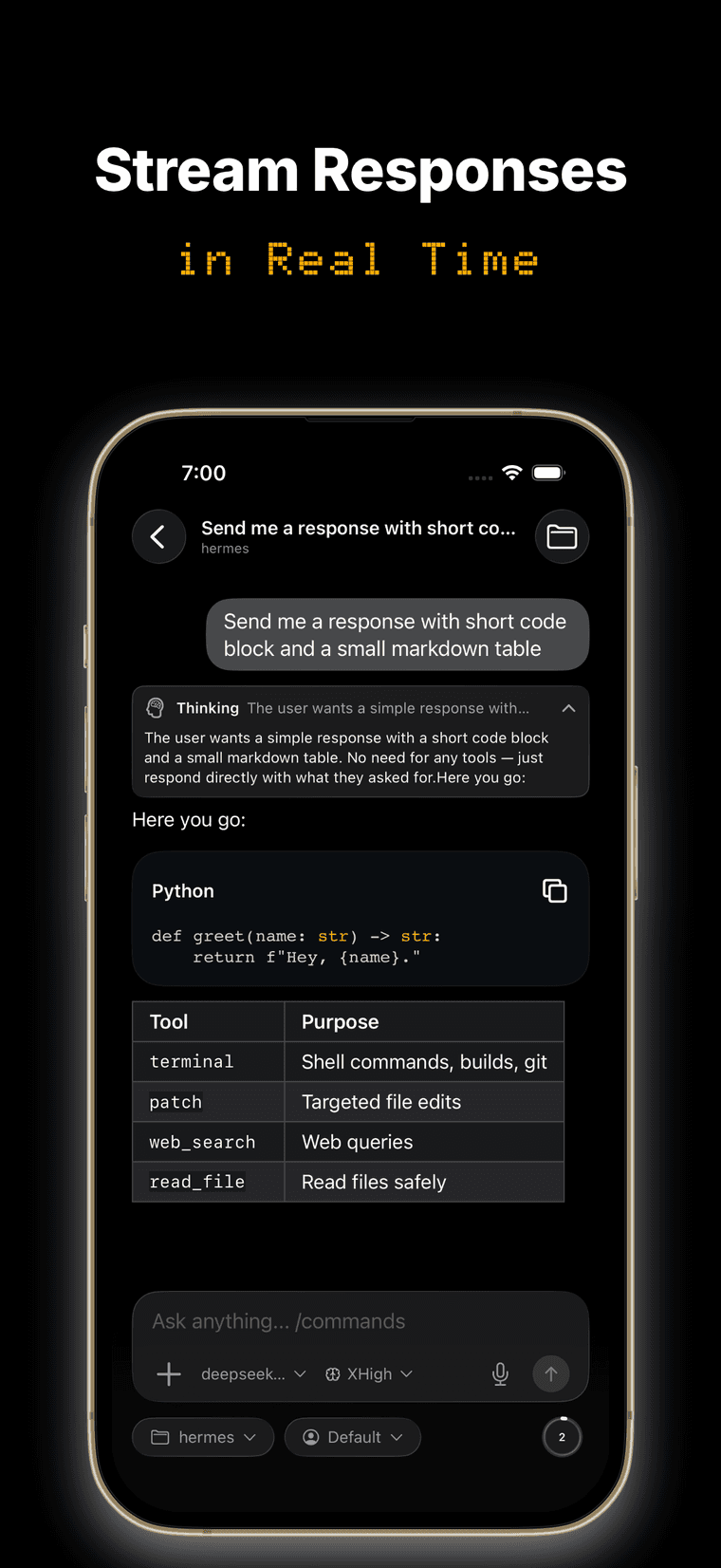
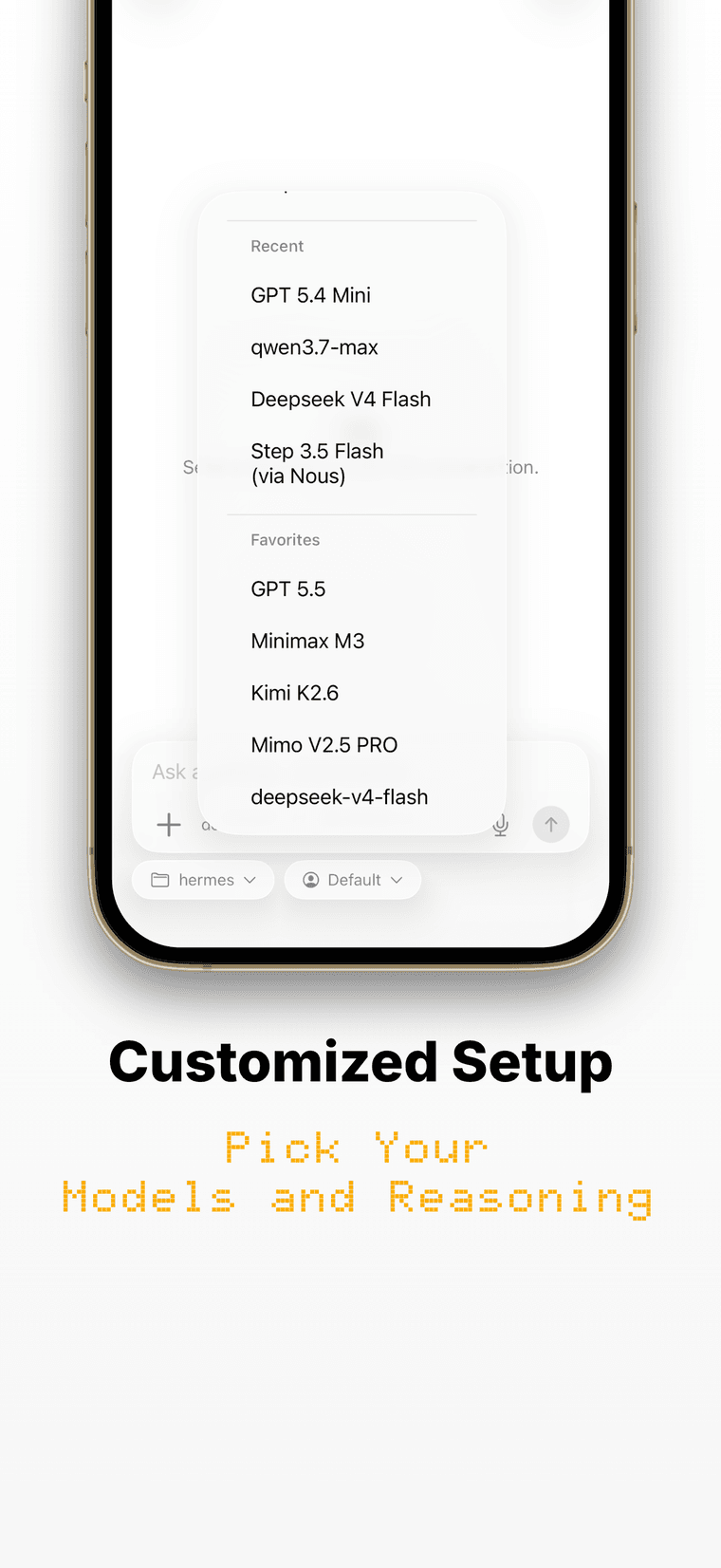
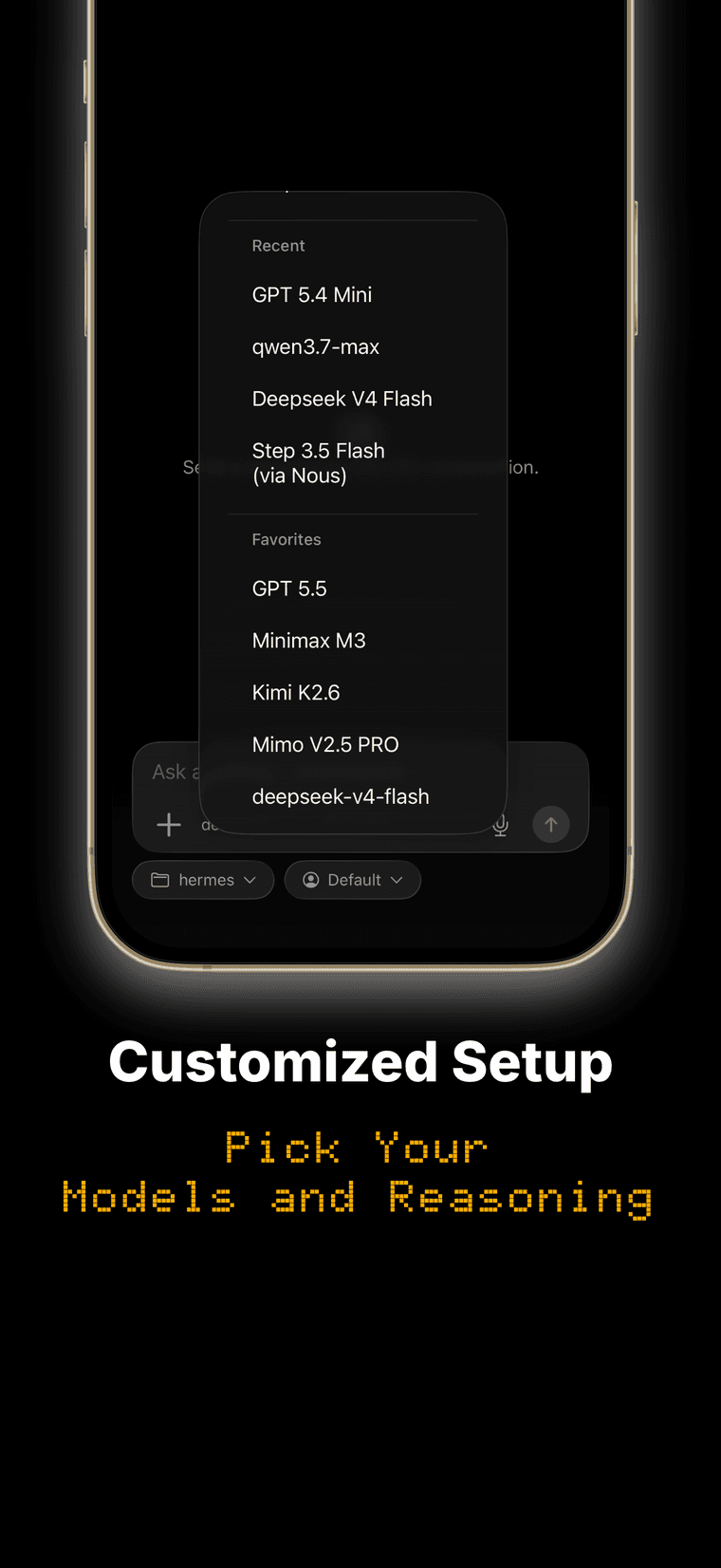
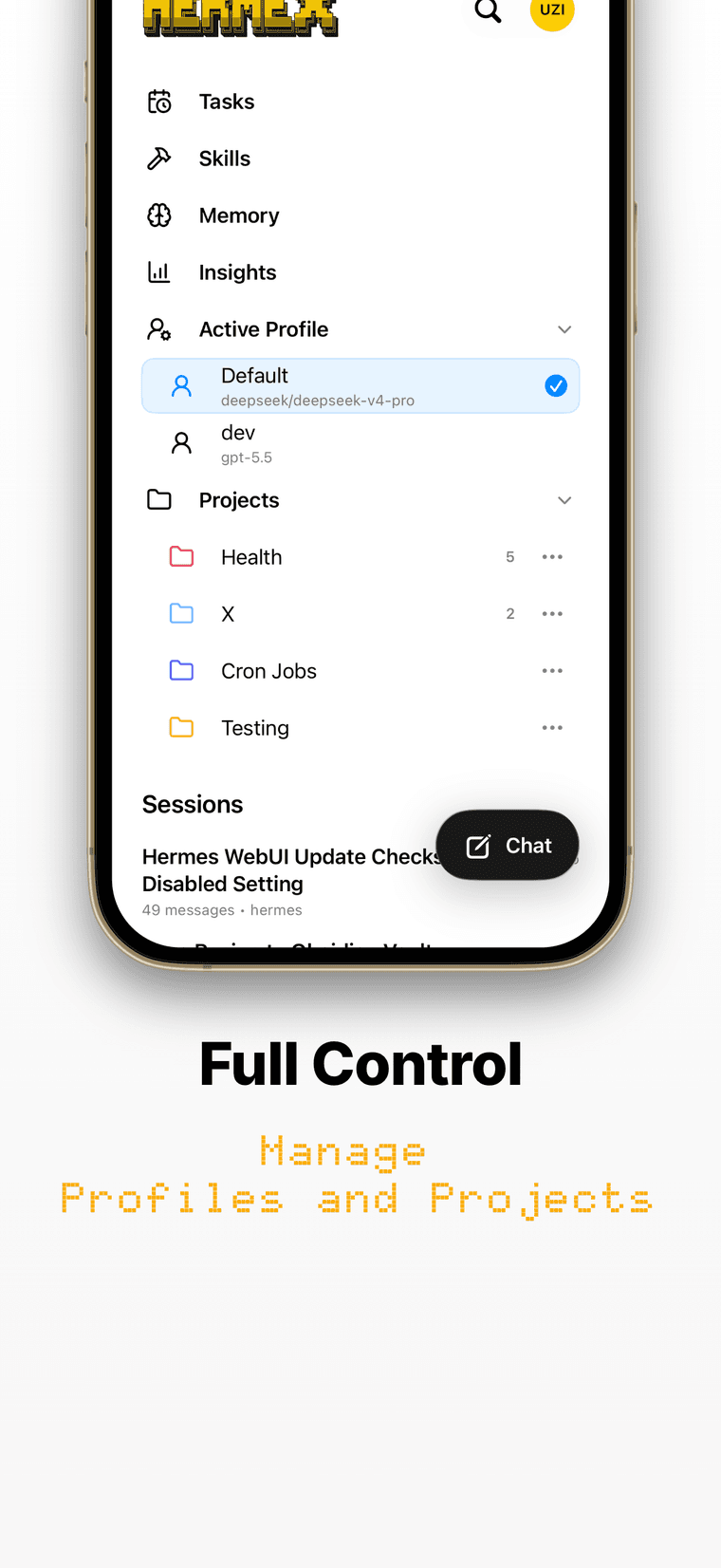
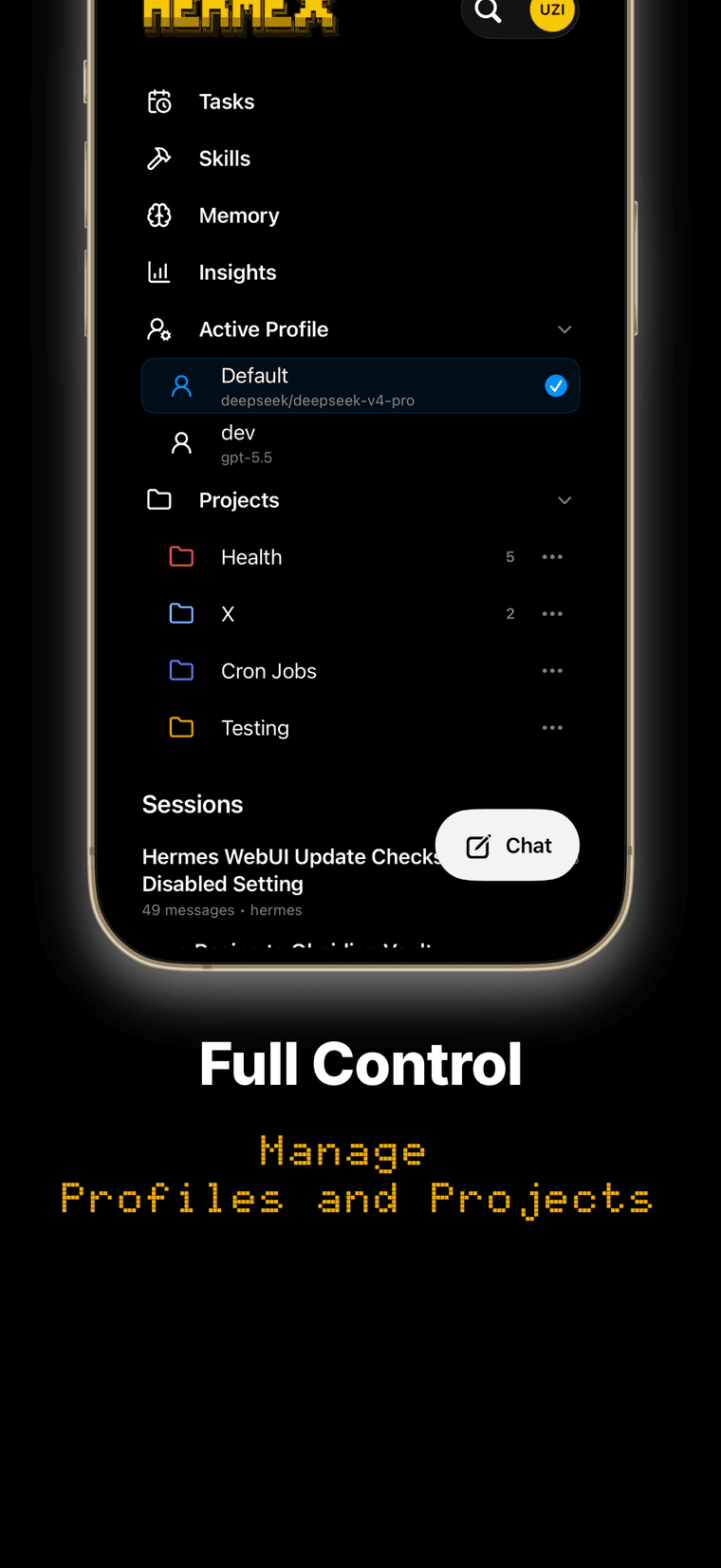
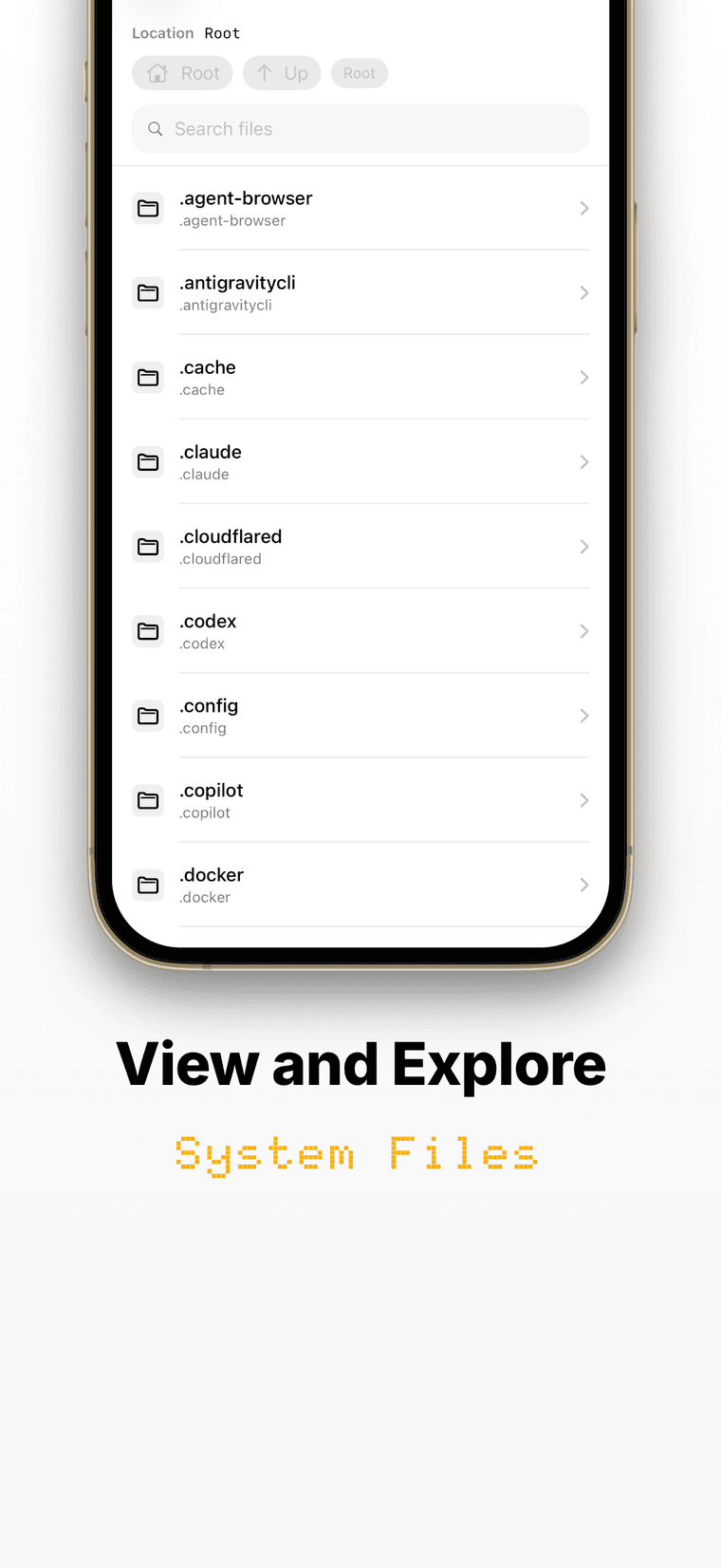
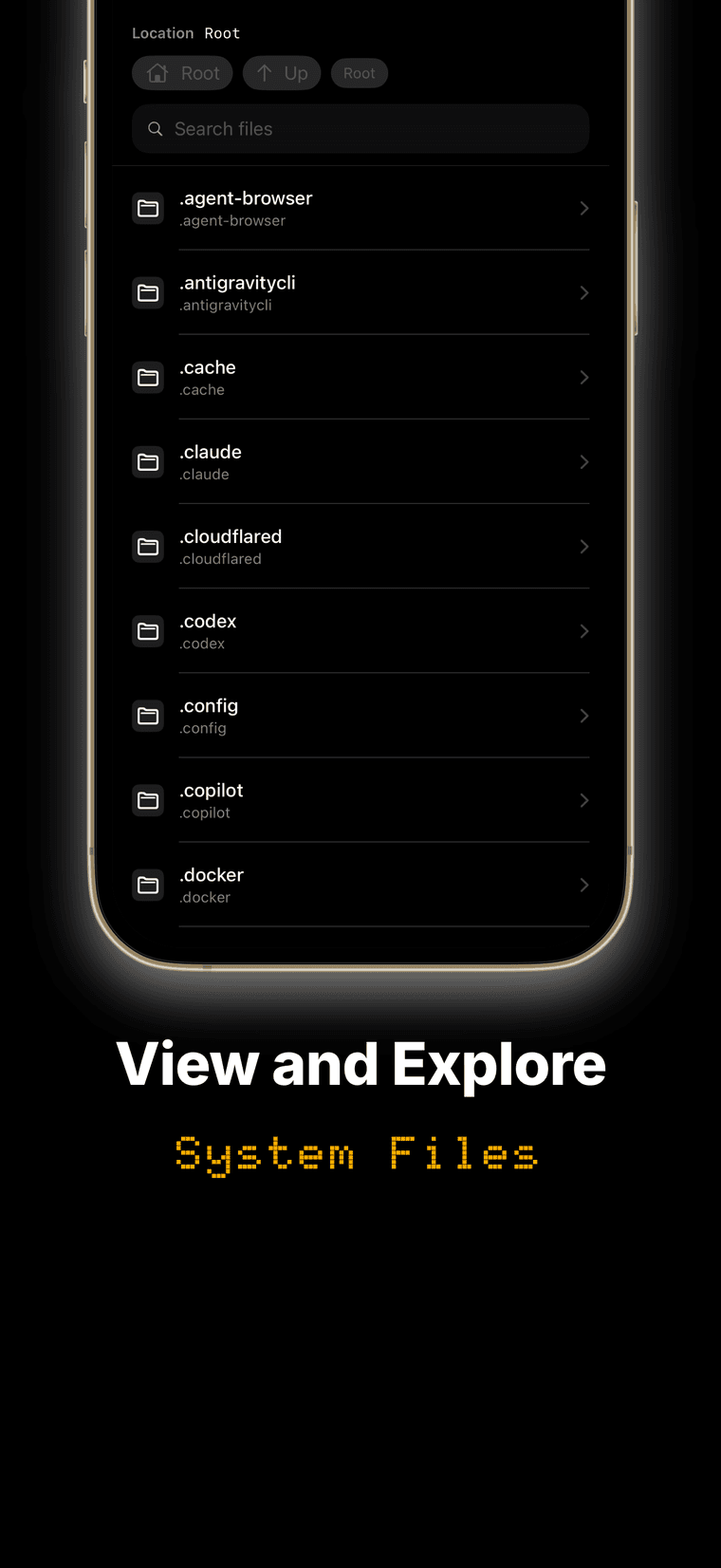
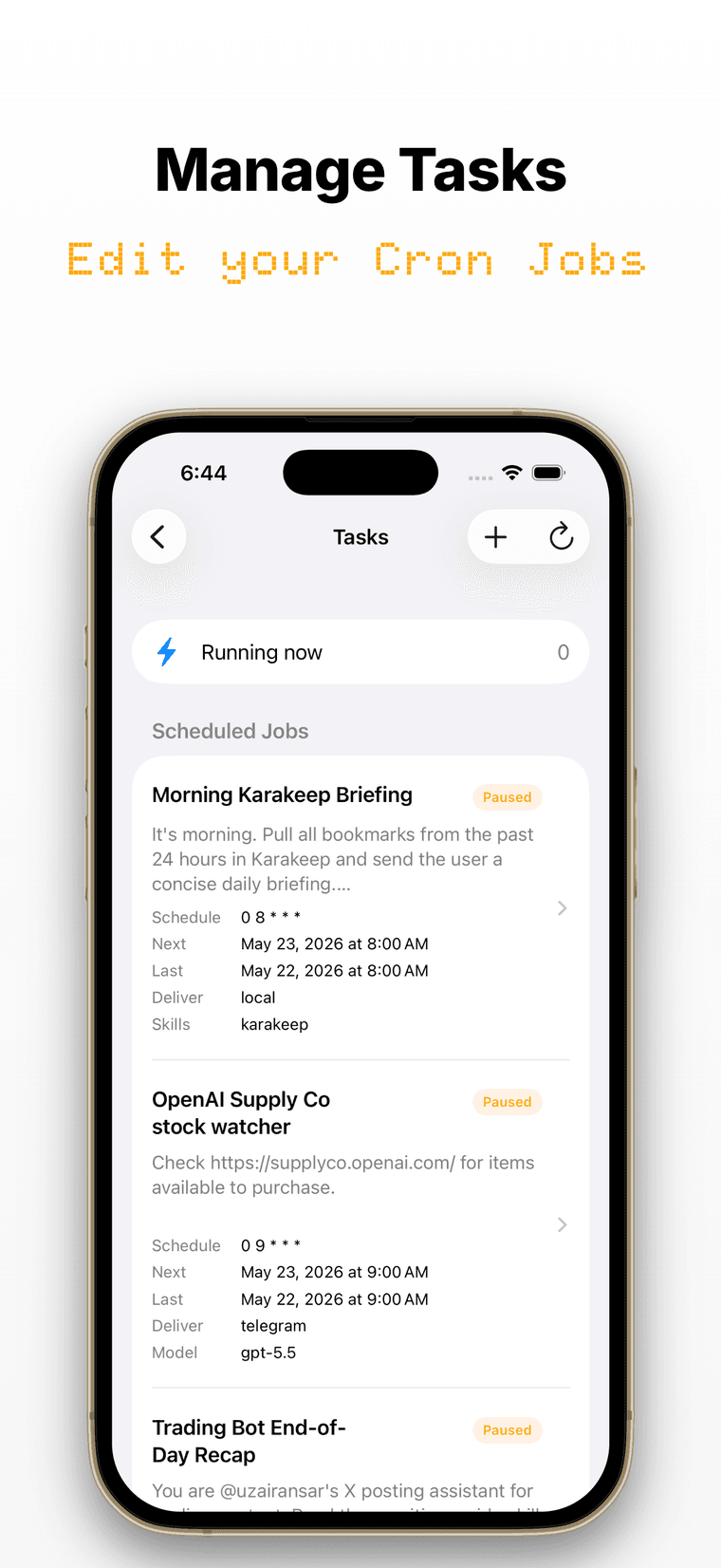
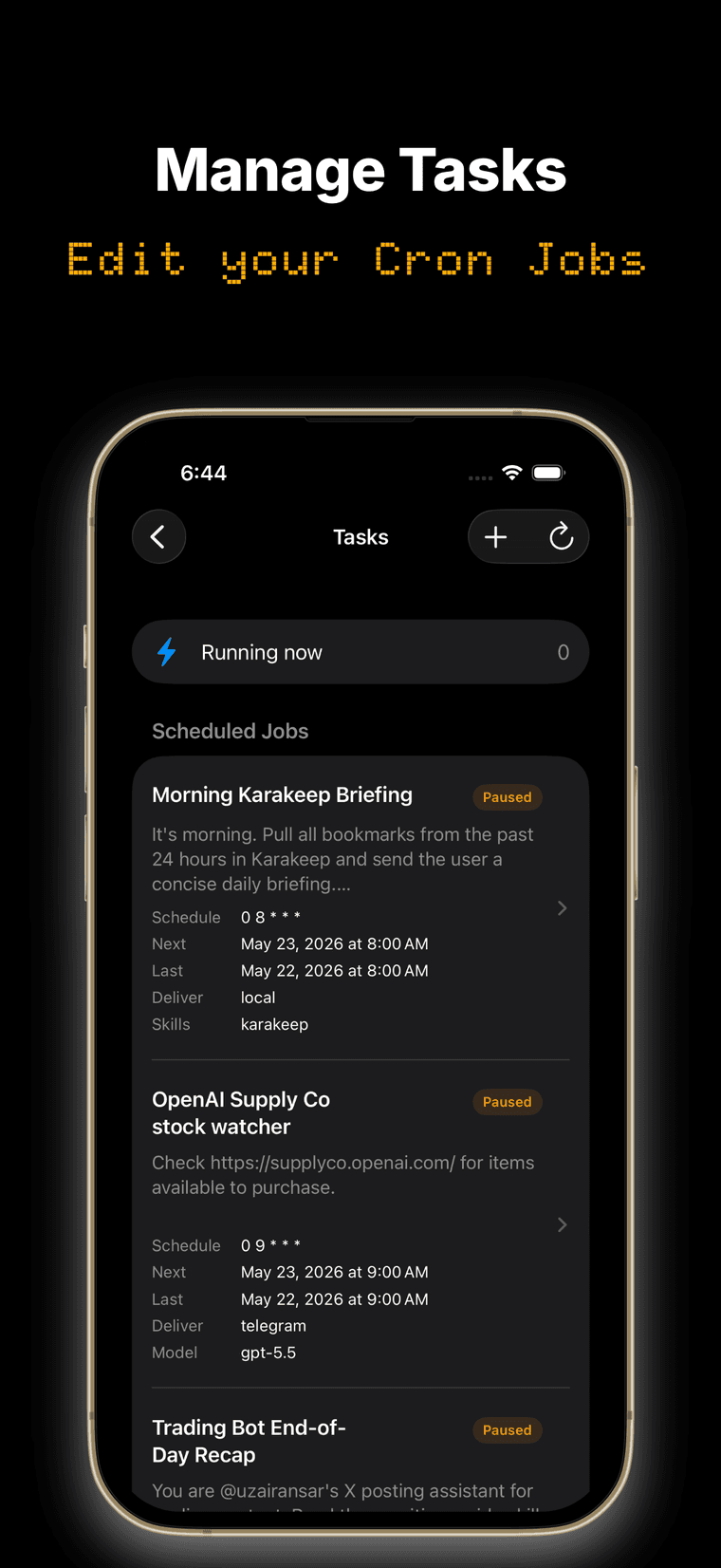
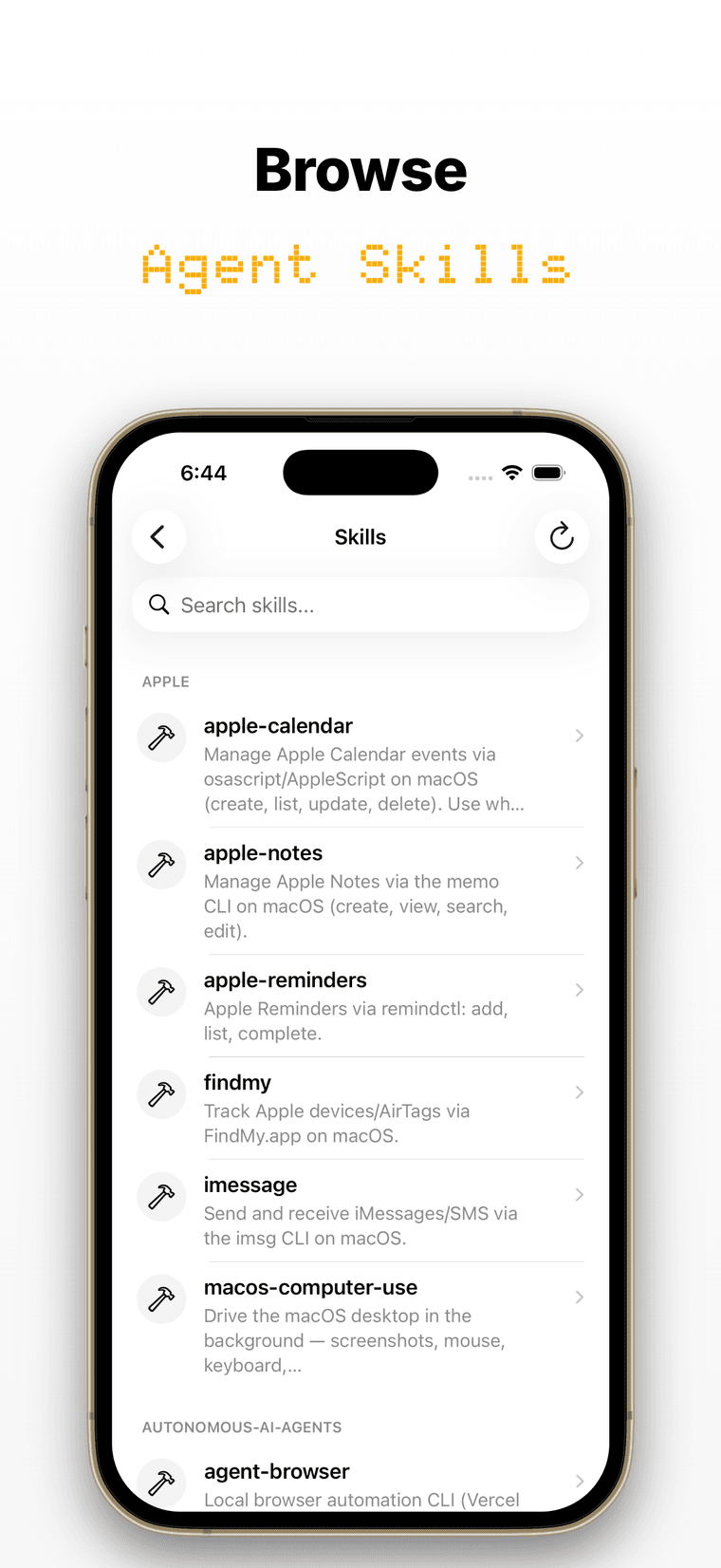
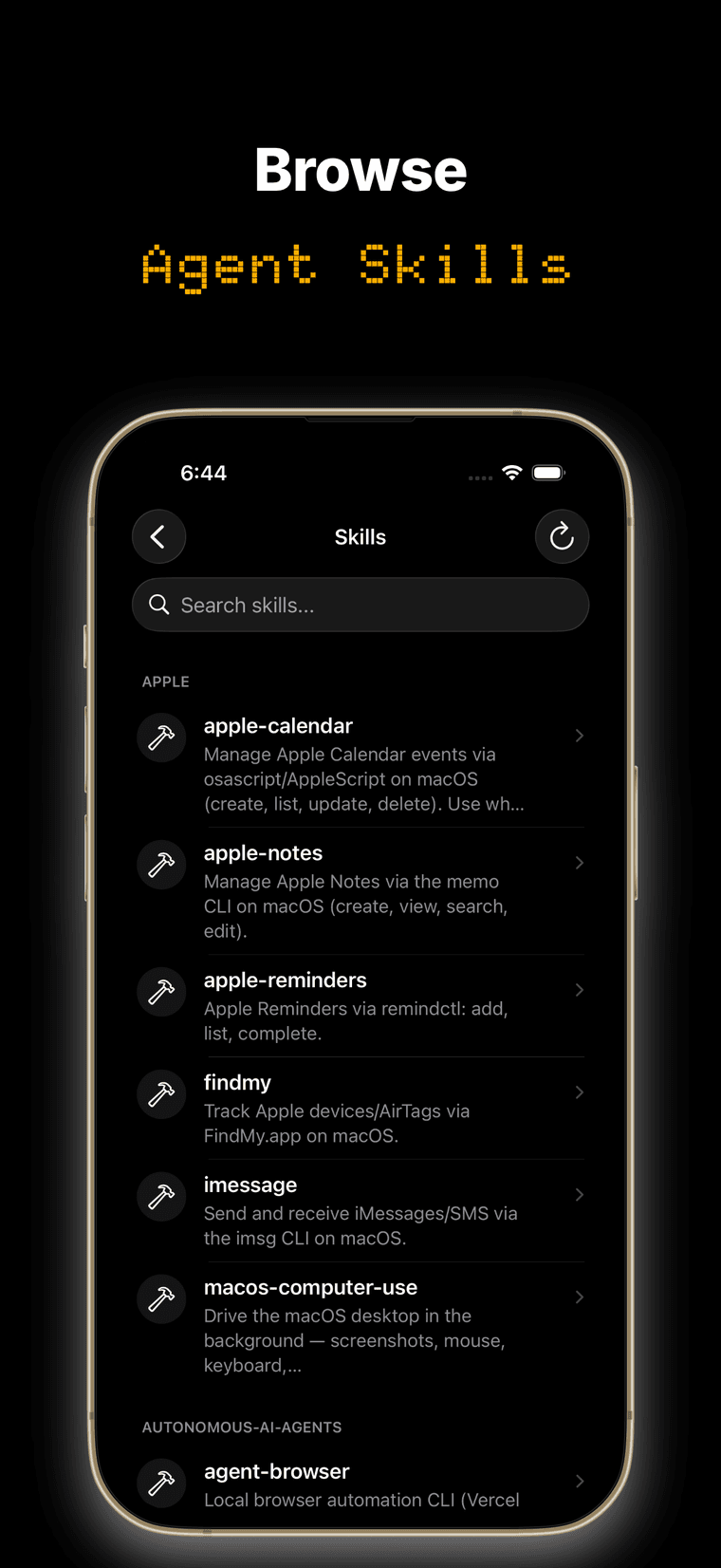
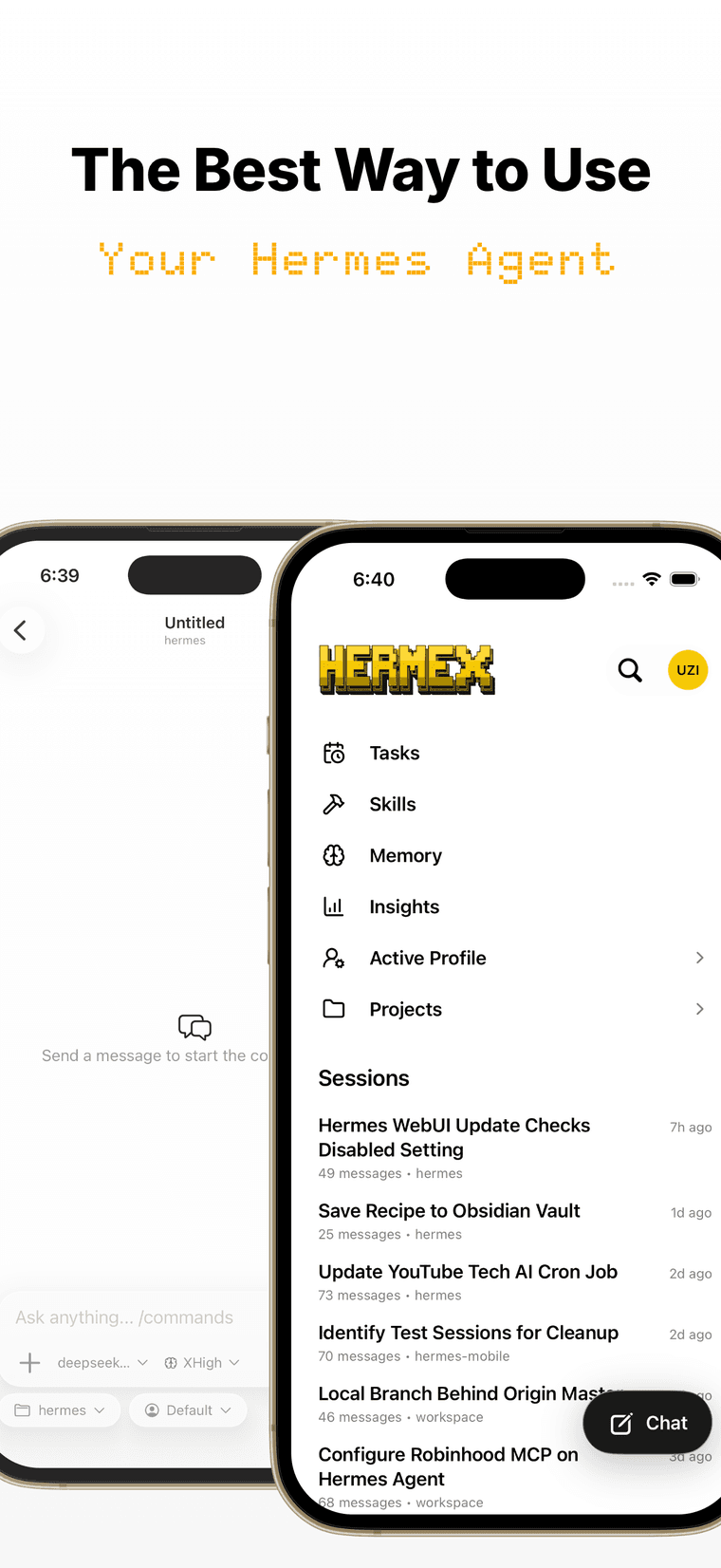
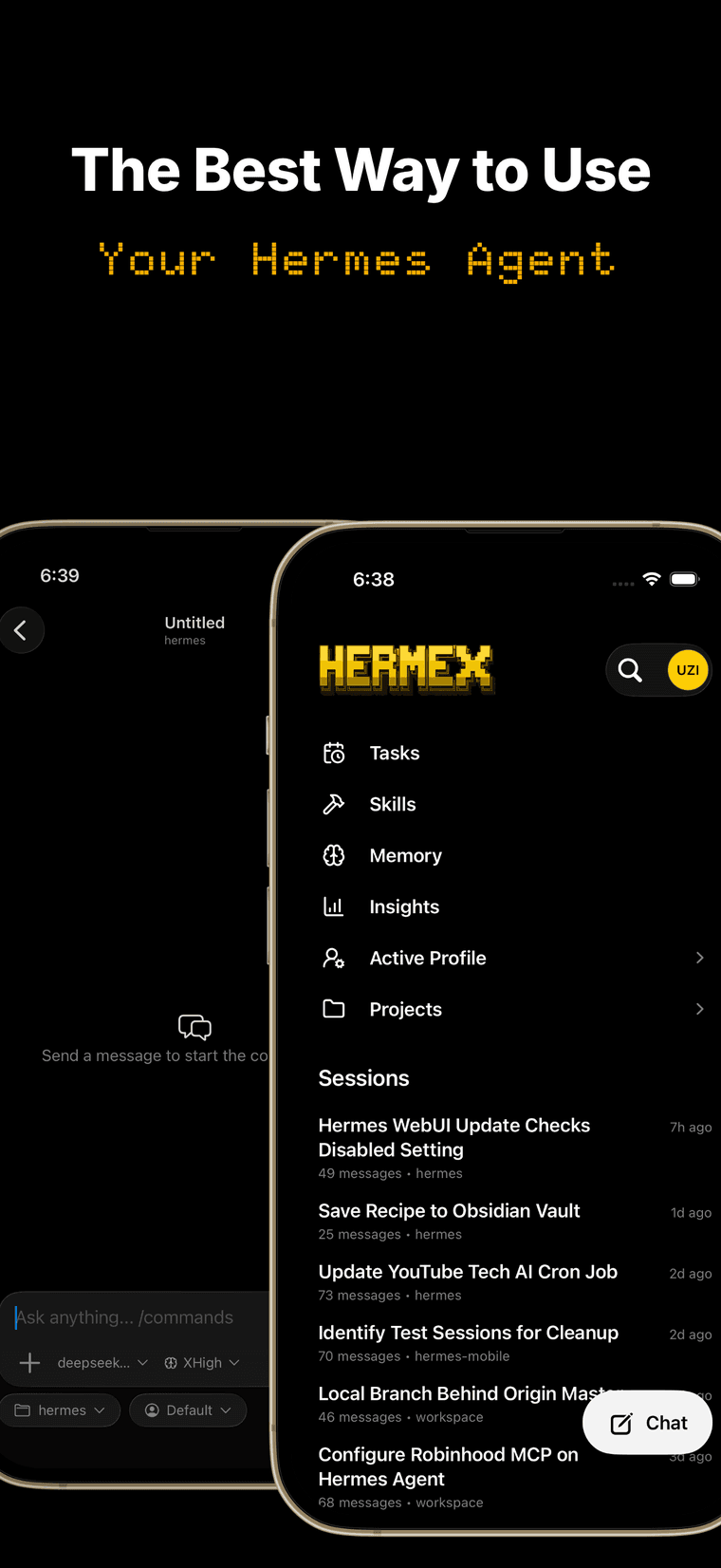
A native iPhone and iPad client for your self-hosted Hermes agent. Stream responses, answer approvals, manage tasks and Kanban boards, browse your workspace, and get notified when your agent needs you. The agent runs on your server, not your phone.
- Free, no IAP
- 4.6 on the App Store
- iPhone + iPad
Full control
Your server. Your iPhone.
Three moves
Run, expose, connect
Run your server
Start the open-source hermes-webui on a machine you control.
git clone https://github.com/nesquena/hermes-webui.git && cd hermes-webui && python3 bootstrap.pyMake it reachable
Keep it private on your tailnet with Tailscale Serve — or expose it over HTTPS with Cloudflare Tunnel. Either way, set a server password first.
tailscale serve --bg 8787- Get Hermex on the App Store
Connect Hermex
Enter your server URL and password in the app. That’s it.
Loved by operators
4.6 on the App Store.
Questions
Before you connect
Hermex is a native iPhone and iPad app for steering a Hermes agent you host yourself. The agent runs on your own machine via the open-source hermes-webui server; Hermex connects to it so you can open sessions, stream responses, and direct the agent from wherever you are. Your server runs — your iPhone steers.
Two things: a machine you control running hermes-webui — macOS, Linux, or Windows via WSL2, with Python 3.11+ — and an iPhone or iPad with Hermex, free on the App Store. If you don’t have a Hermes Agent setup yet, the server’s bootstrap offers to install one for you.
Three moves: run hermes-webui on your machine, make it reachable with Tailscale Serve or Cloudflare Tunnel, then enter your server URL and password in Hermex. About 15 minutes end to end — the full setup guide walks through every step.
hermes-webui is a third-party open-source (MIT) web UI and server for the Hermes agent. It’s the half that runs on your machine: it hosts the agent and exposes the API that Hermex talks to. It isn’t the dashboard that comes with Hermes Agent — Hermex needs hermes-webui. Hermex itself is a separate app, built for it.
Your phone talks directly to your own server — no developer backend sits in between. Tailscale Serve keeps everything on your private tailnet over HTTPS; Cloudflare Tunnel gives you a public HTTPS hostname without opening a port. Set a server password before exposing it — Hermex uses it only to sign in and doesn’t store it after login. The one exception is optional push notifications: they pass through an open-source relay, and their text is end-to-end encrypted.
No. Hermex has no analytics, ads, or tracking — your conversations travel between your device and your server. If you turn on push notifications, they go through an open-source relay that sees routing details but never message text, which is end-to-end encrypted. On the device, Hermex keeps your server URL in the iOS Keychain and a small offline cache of recent conversations you can clear anytime. Details in the privacy policy.
Yes. Hermex is open source under the MIT license — the full app source lives on GitHub, so you can read exactly what it does, build it yourself, or open an issue. The server side, hermes-webui, is a separate open-source (MIT) project.
Sending messages needs a connection — the agent runs on your server, not your device. Offline, Hermex still opens with a read-only cache of your recent conversations, so you can re-read what the agent said without a signal.
iPhone and iPad running iOS or iPadOS 18 or later. The server side runs wherever hermes-webui does — macOS, Linux, or Windows via WSL2.
Nothing. Hermex is free on the App Store — no subscription, no in-app purchases. You bring the server it connects to.
Start with the setup guide — it ends with a troubleshooting section covering the common failure points. Still stuck? Ask in the Hermex Discord or message me on X. Found a bug? Open an issue on GitHub. Server-side issues live upstream at nesquena/hermes-webui.